My Personal AI Lab
Welcome to my personal workspace. Below are some projects I've been working on and systems I built in AI using various tools like Claude, Gemini, ChatGPT, Higgsfield, VS Code, and many others, these are live and not mockups: a product imagery app, a job matching pipeline, a life dashboard with a second brain, an image library that scrapes the web, and social videos. They run. Most of them use Supabase, Google Cloud, various LLMs, and all sorts of goodies.
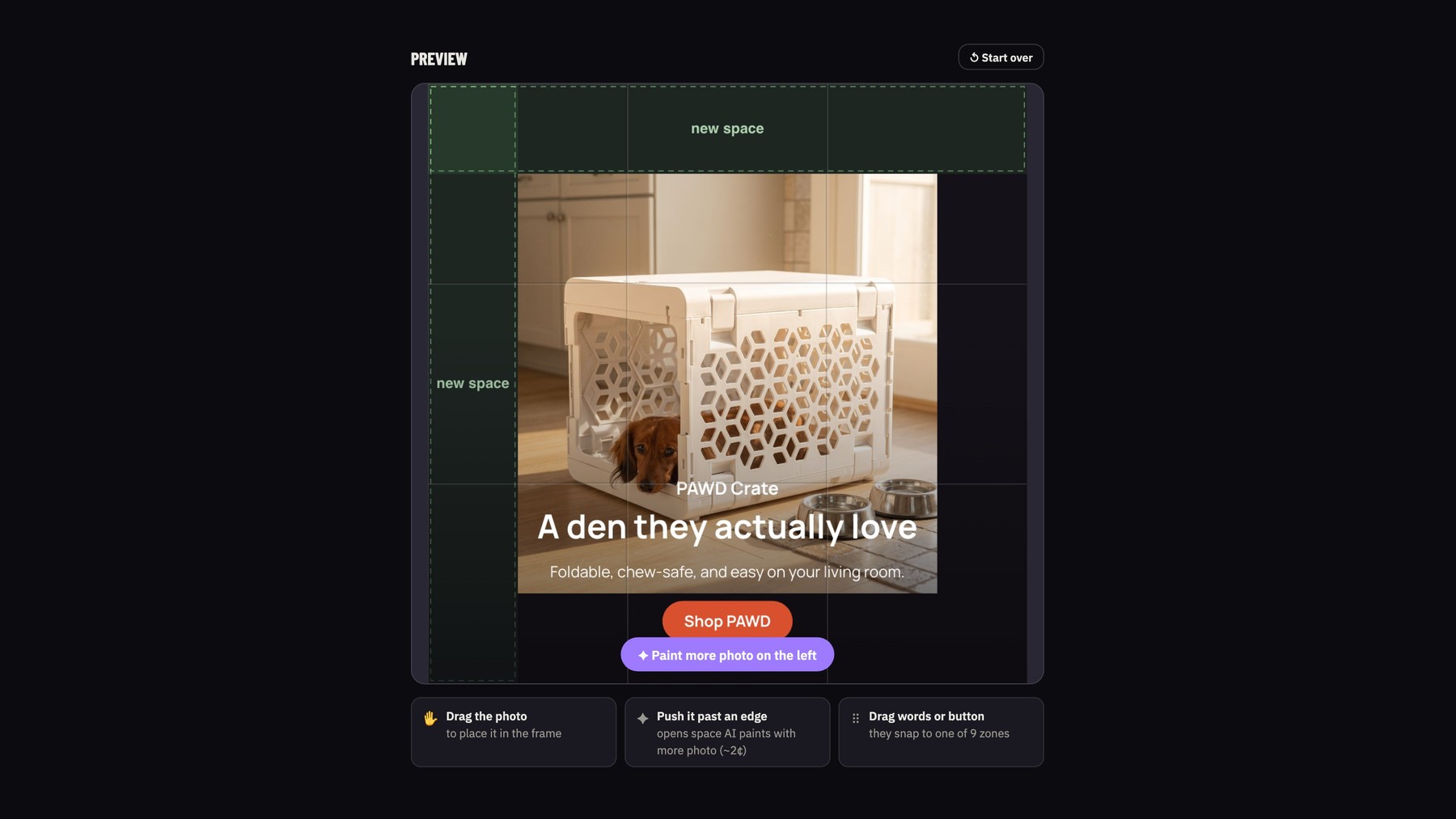
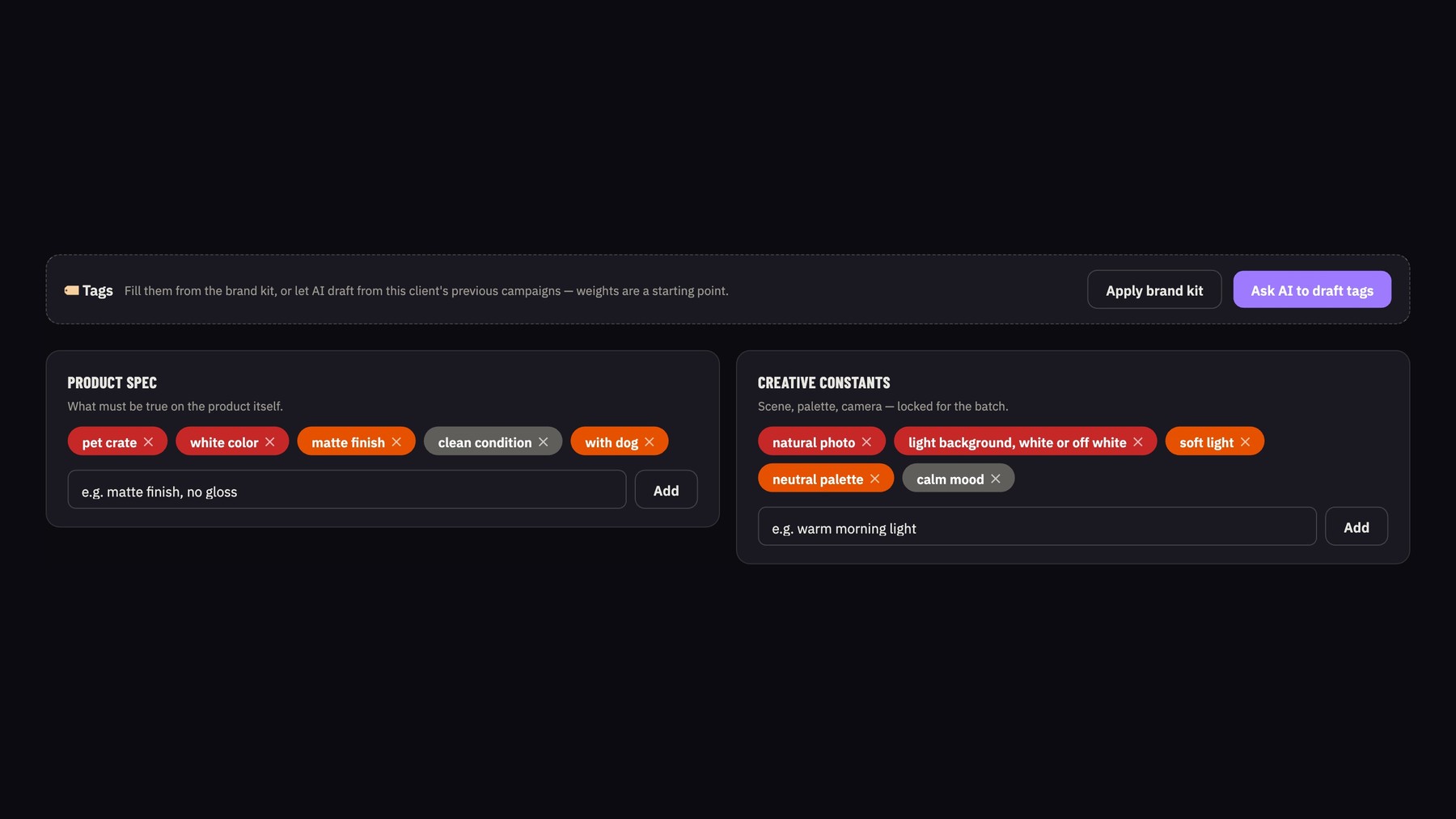
Tolerance Studio
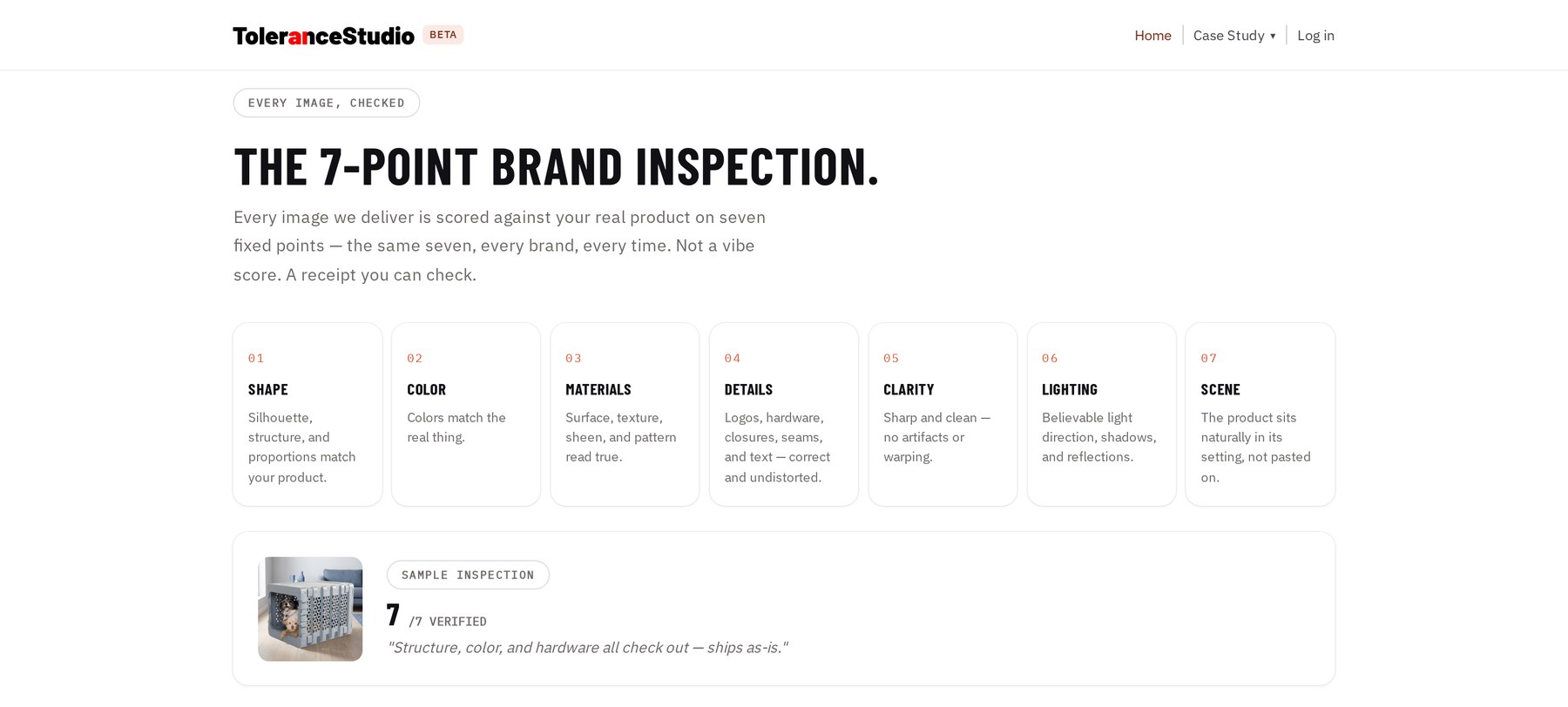
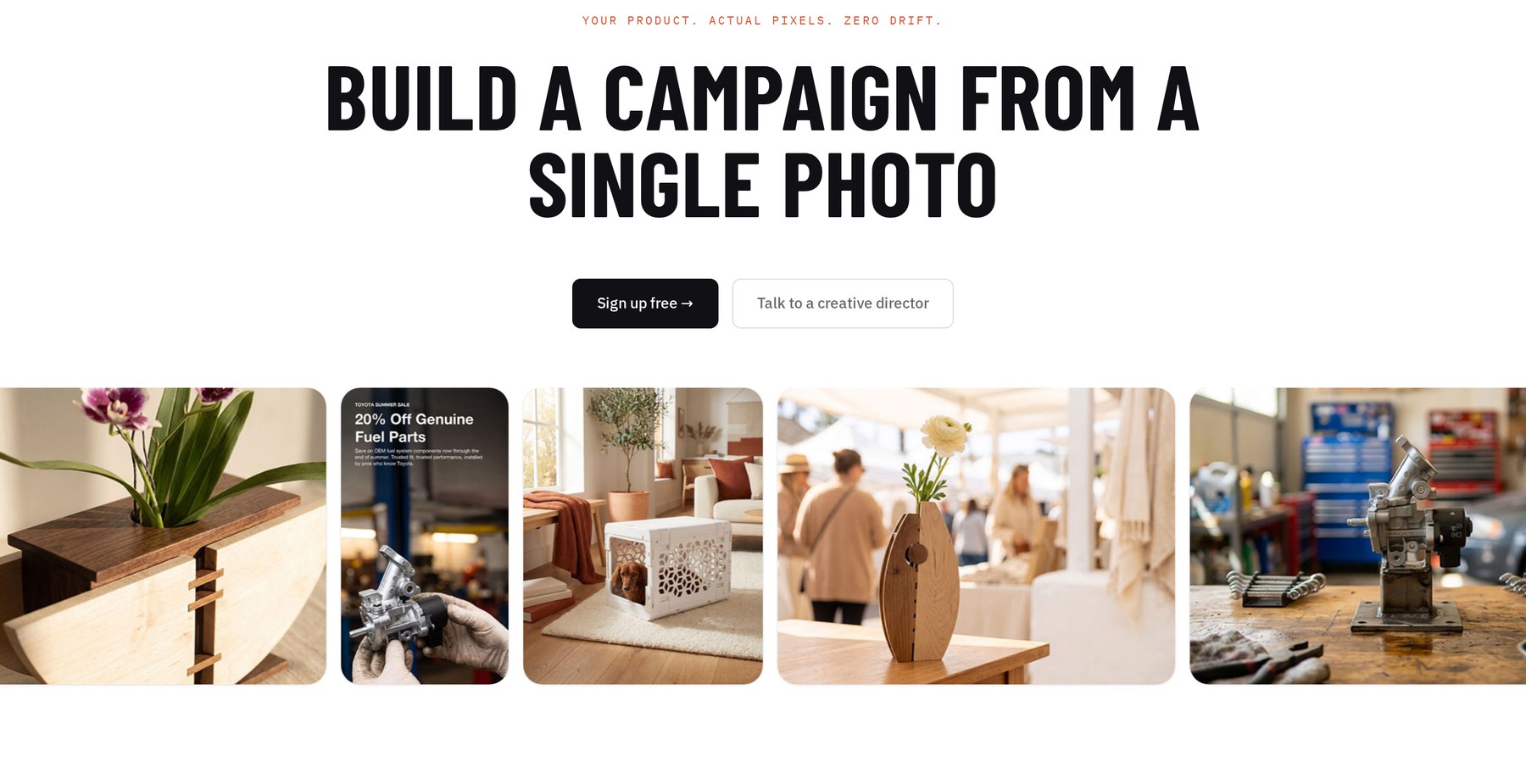
I created this project as a tool for creating product graphics. The way it works, it uses a Python script to cut out a product image, figures out the lighting and angles, generates a background and then pastes it back together. It also has a neat text and layout editor.
JobsMatch
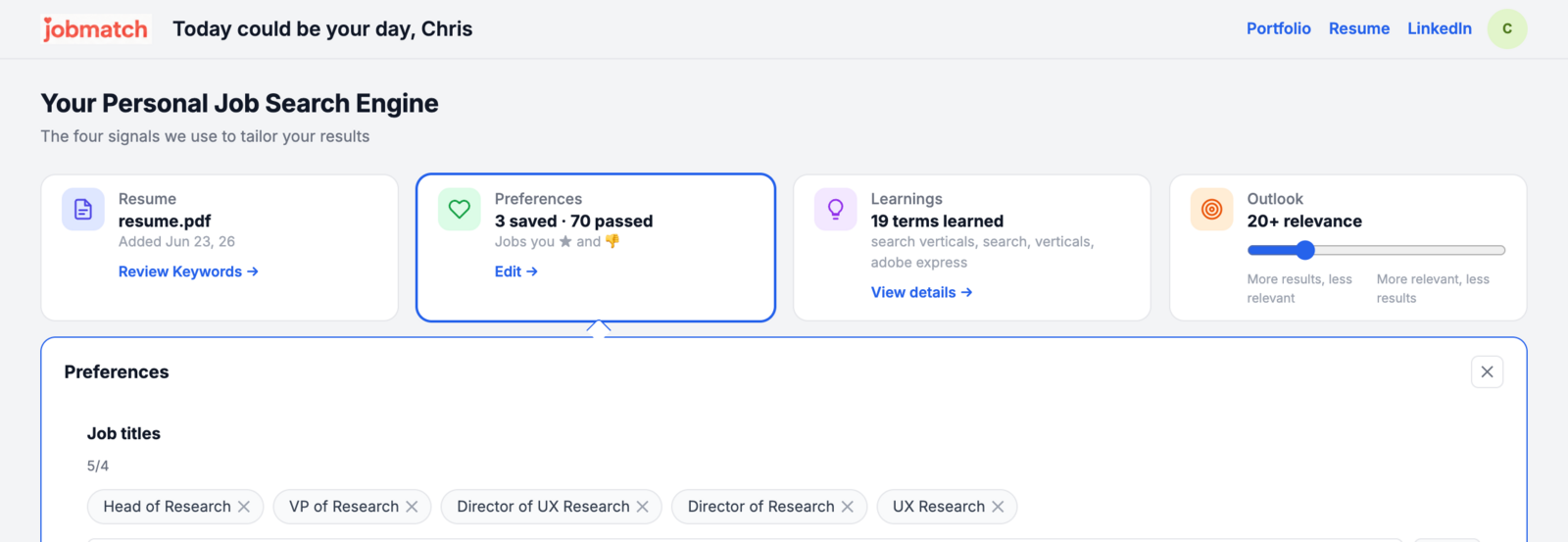
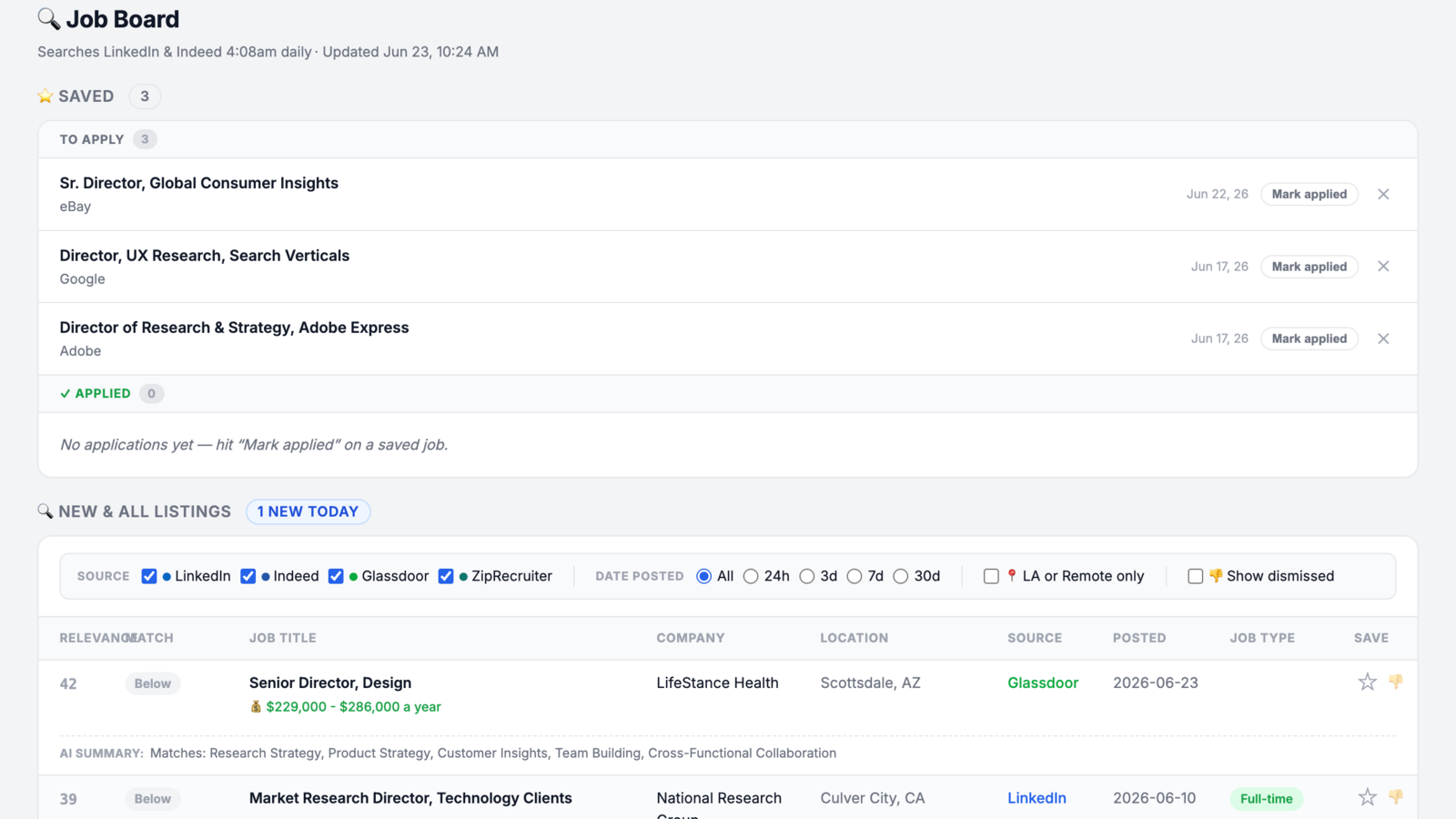
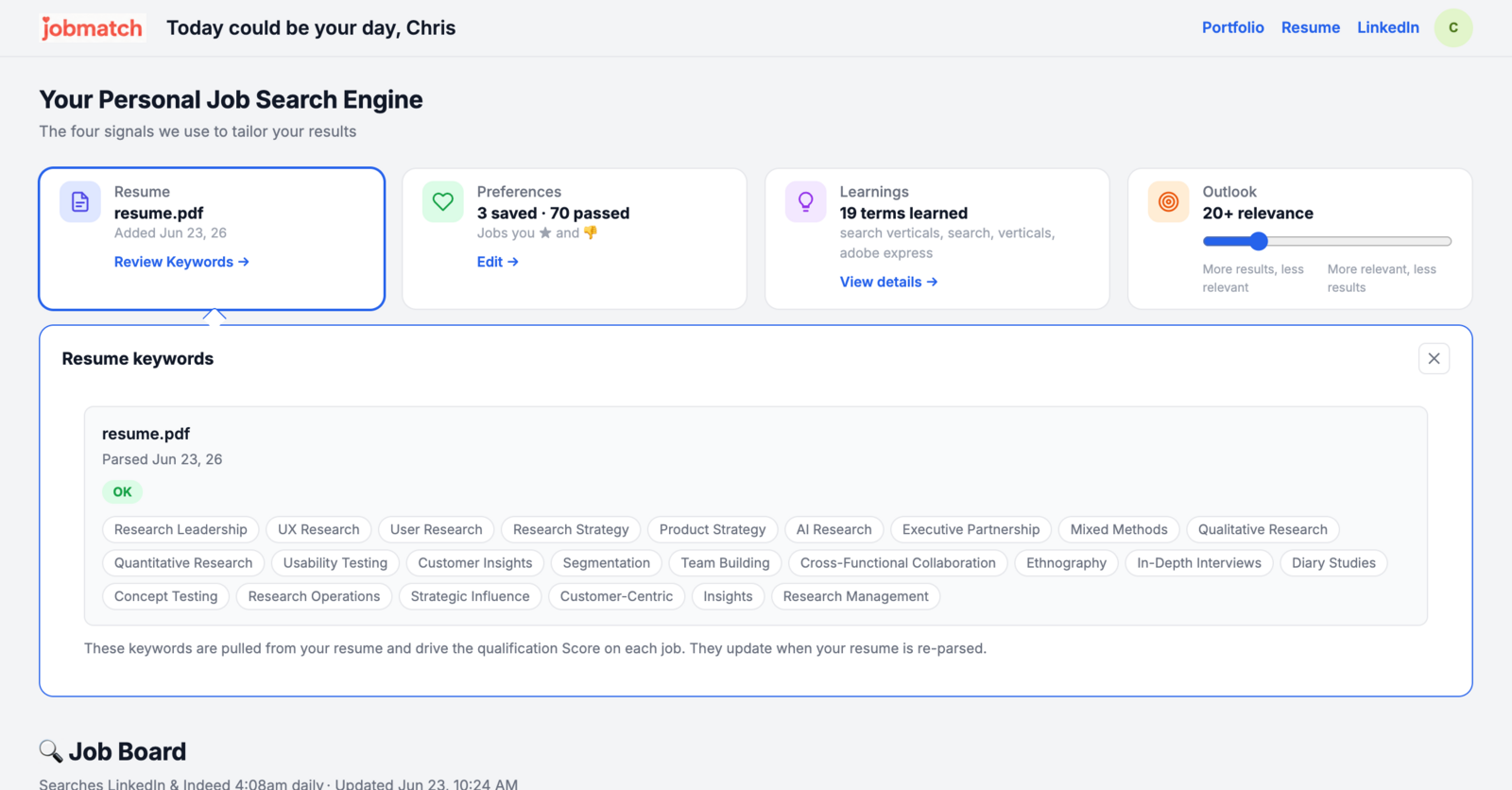
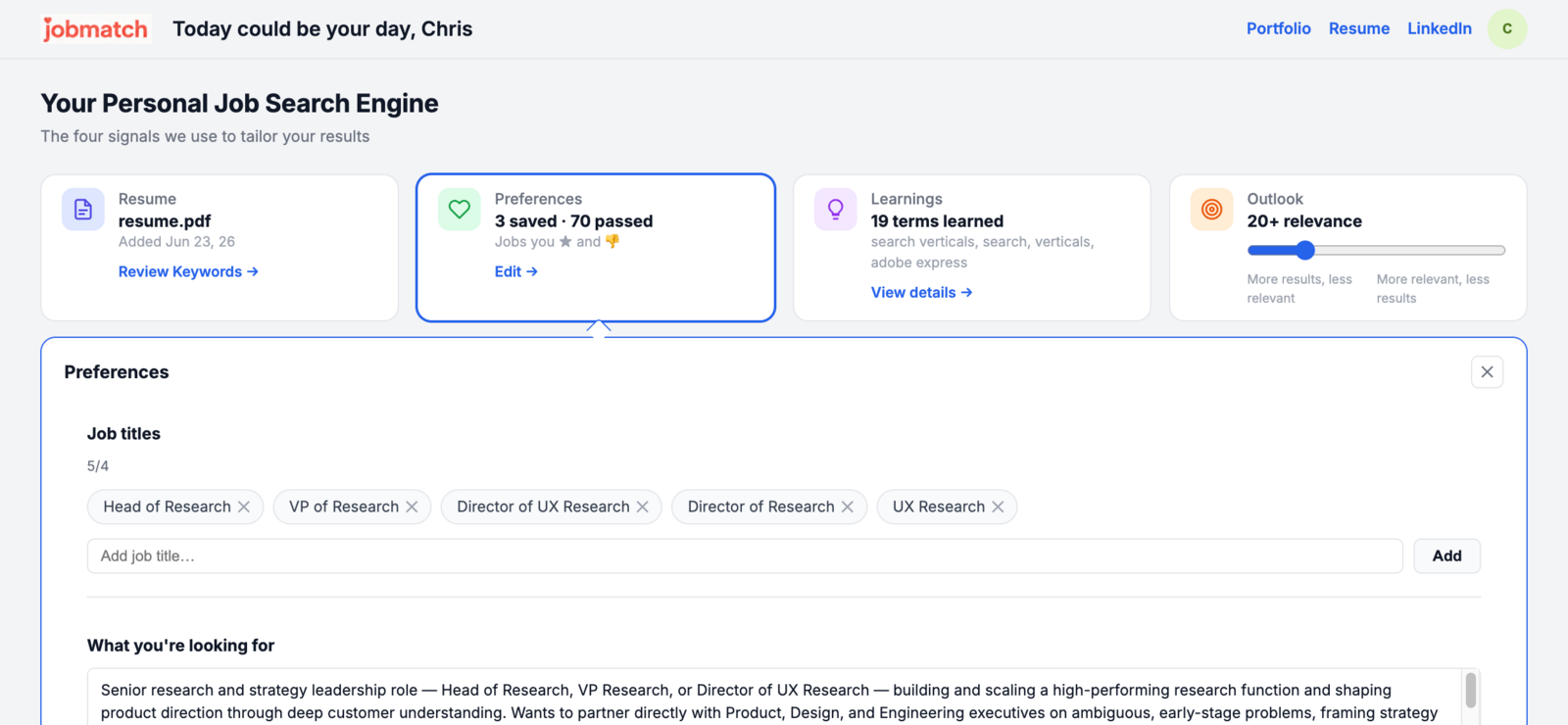
I created this site for a friend who was searching for a job. It scrapes LinkedIn, Glassdoor, ZipRecruiter, and other sites to find listings based on their resume and experience. First it pulls out key words from experience, then uses AI to create an algorithm to find matches and ranks them against each other.
LifeOS
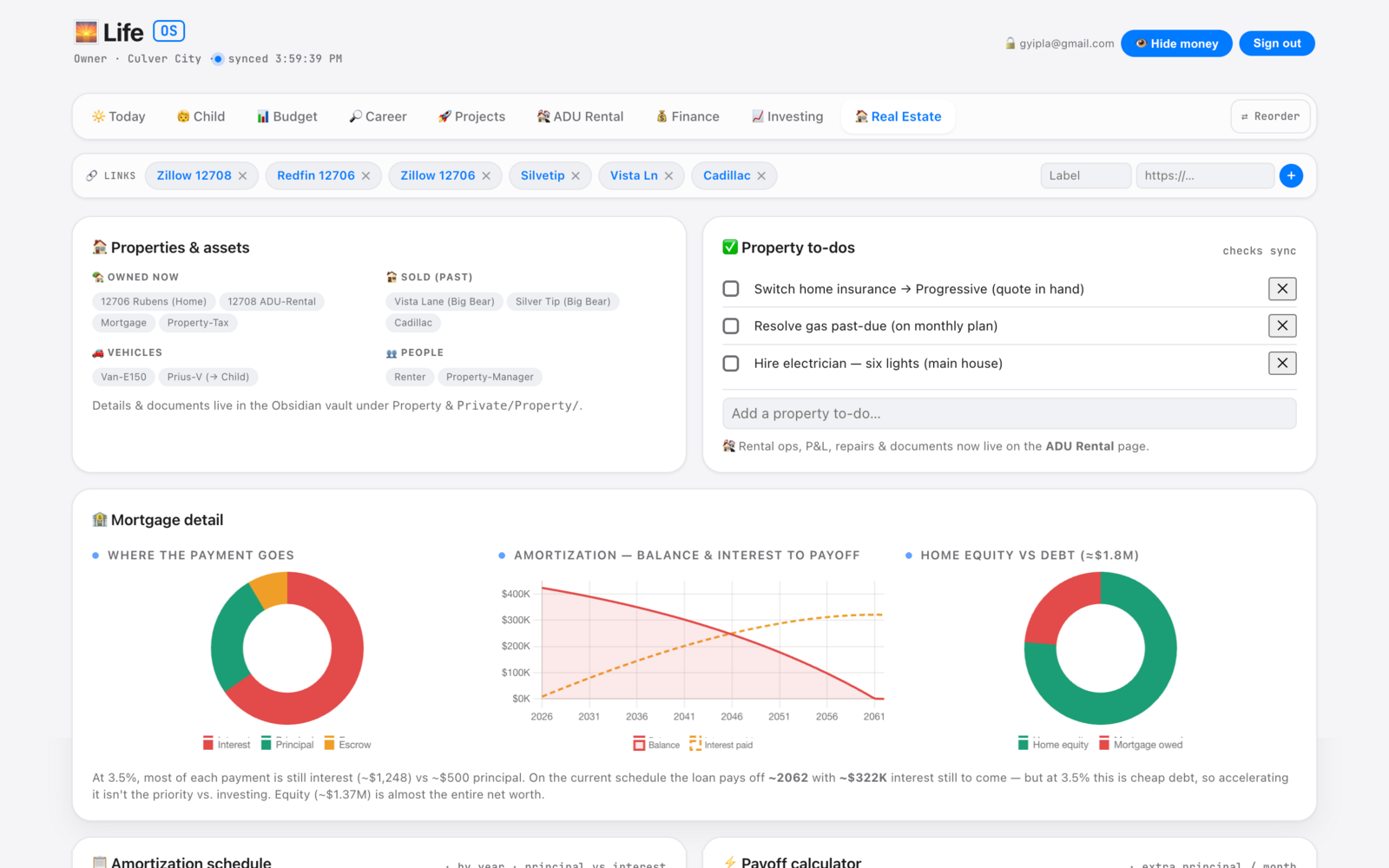
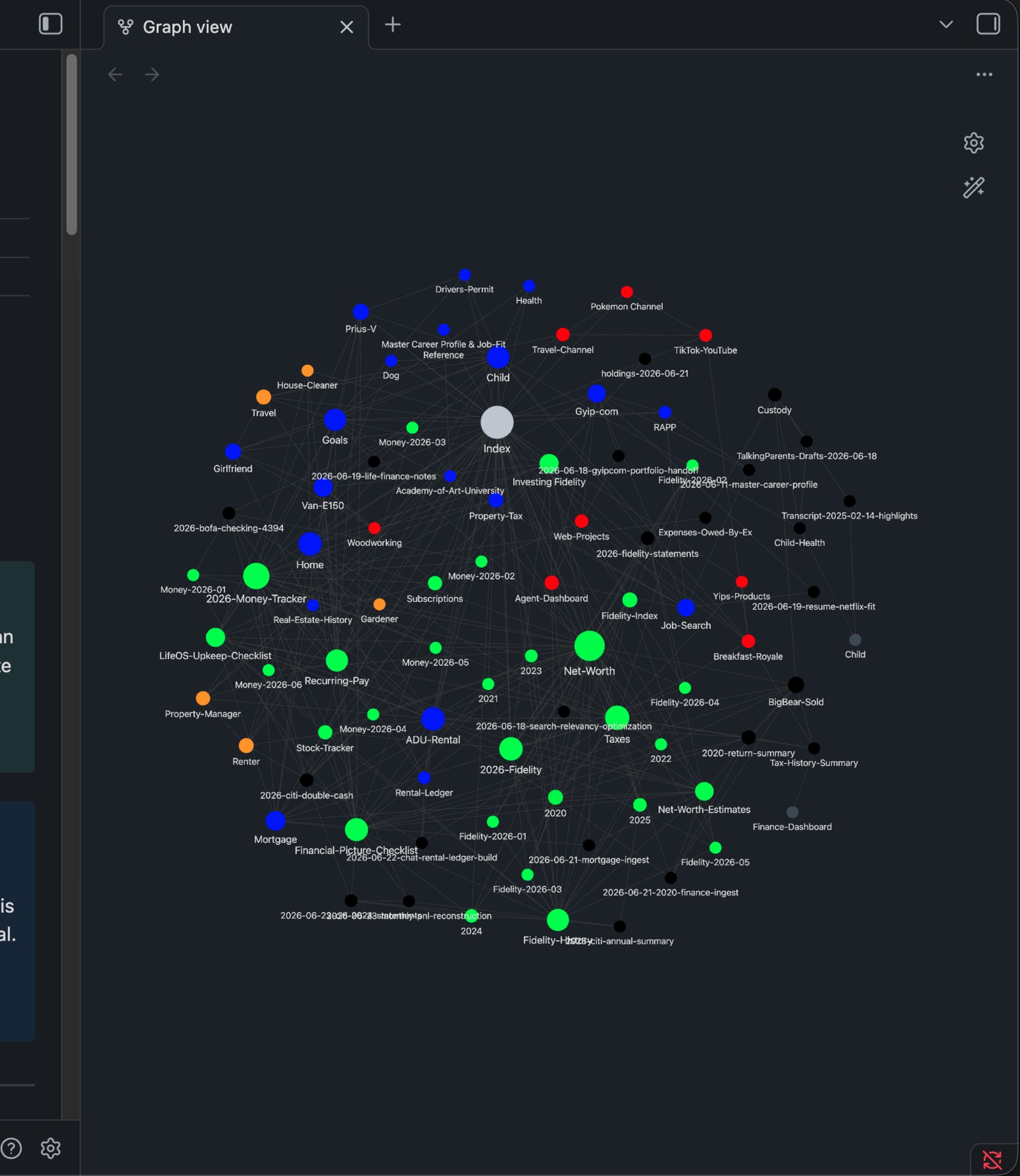
LifeOS is my personal daily workhorse and I use Obsidian to ingest data about my month. What I end up with is a glorified to-do list for all aspects of my life, a QuickBooks-type budgeter, and a big-picture life coach. Also nice is my AI reads the md files when I start new projects so it has all the context it needs to see things that I cannot.
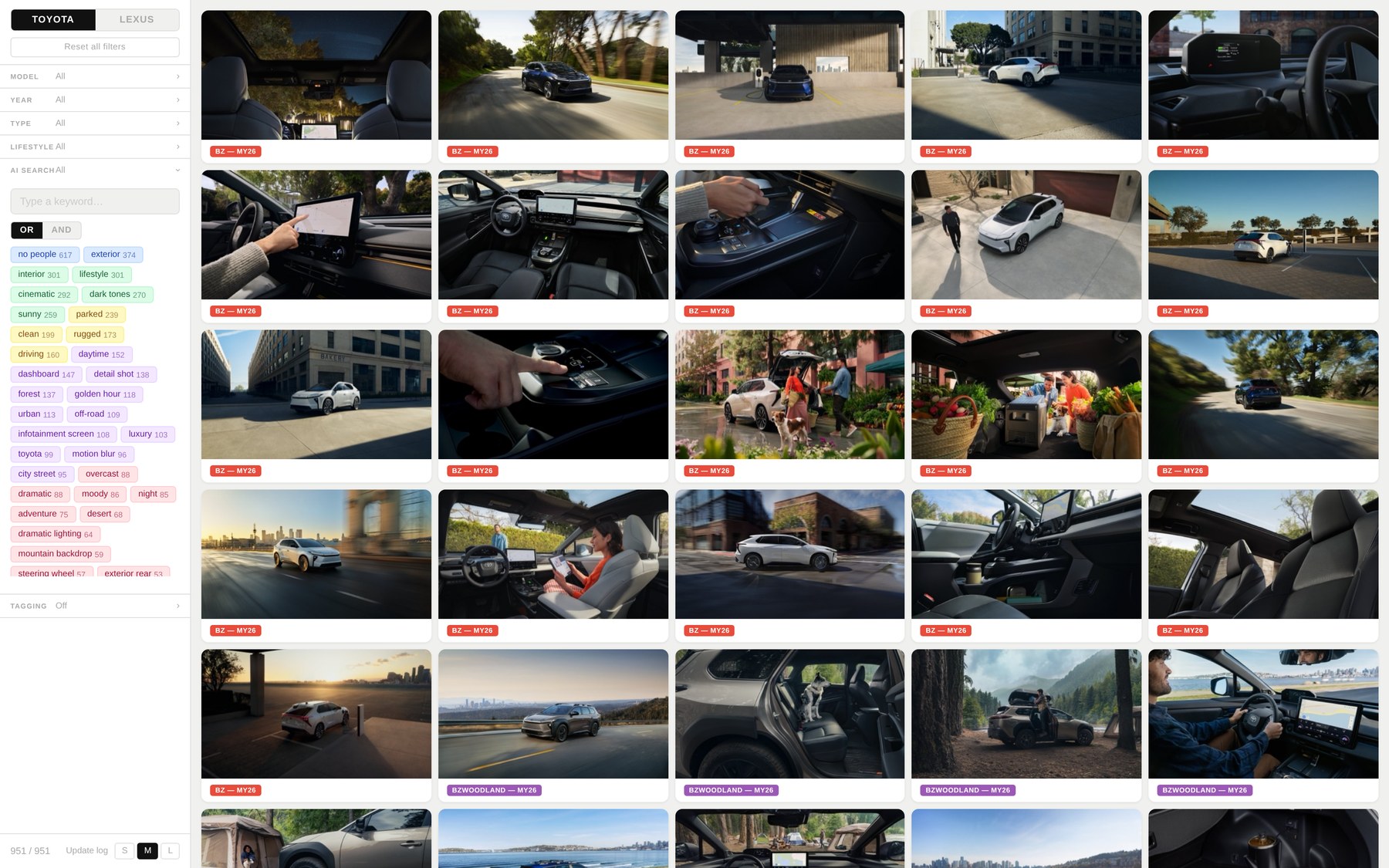
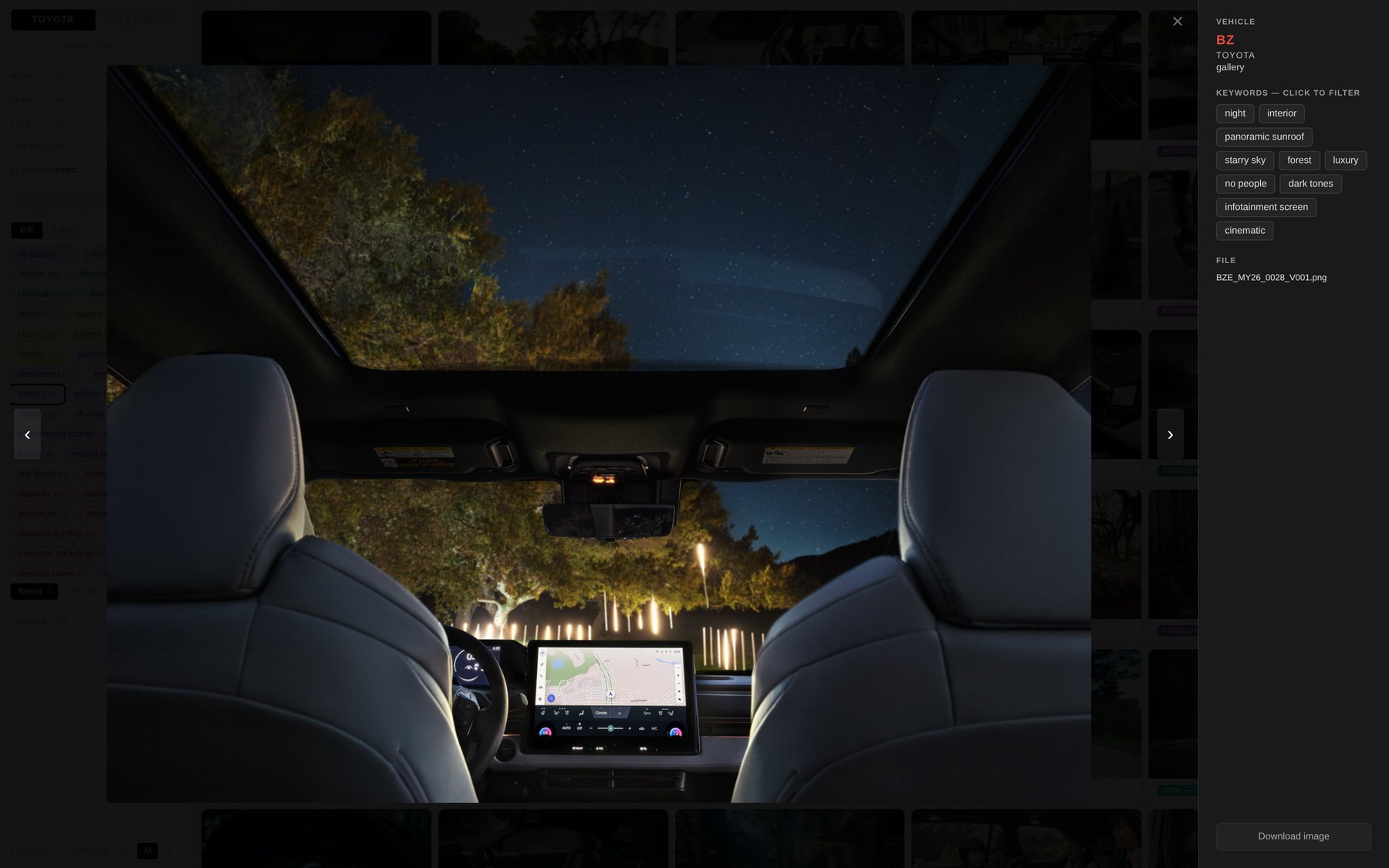
Scraper Image Library
Searching for new and updated images was so time consuming, I created an app that scrapes the image sites I need most, tags them with AI vision capabilities and Apple Vision face detection, then organizes over 1000 images so they can easily be found. Took a few days to make but has saved me weeks.